
Infectious Smile Emotes: Menu Controls, Chat Commands, and Costs
Infectious Smile emotes allow players to perform dance moves, sitting poses, and wall leans as humans or infected Smilers. You can activate these actions through chat commands or by equipping purchased animations to the top-right emote wheel.
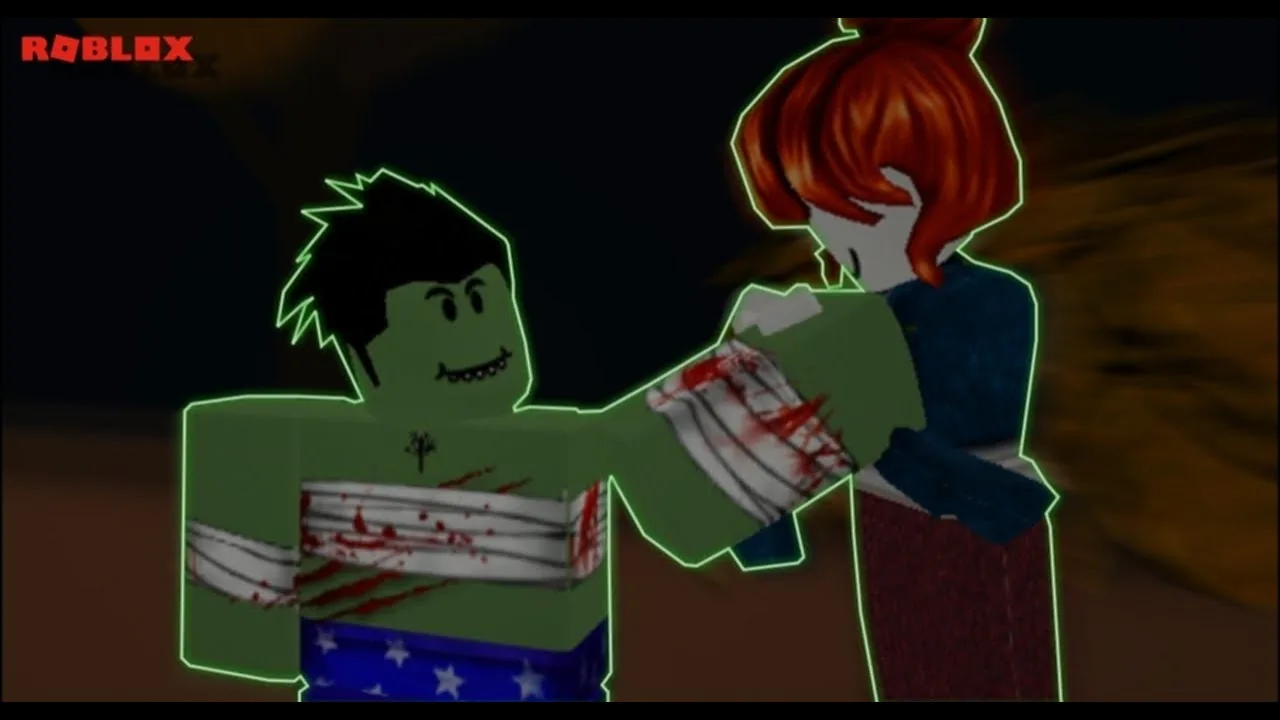
Infectious Smile emotes allow players to perform dance moves, sitting poses, and wall leans as humans or infected Smilers. You can activate these actions through chat commands or by equipping purchased animations to the top-right emote wheel.
How to Equip and Play Animations
Infectious Smile features an on-screen emote button located at the top right of your display. Clicking this button opens an interface containing four custom slots. You must open the animation section of the shop menu to assign individual dances and poses to those slots before using the shortcut wheel during a match.
Both human survivors and infected Smilers can trigger these animations at any time. When you are infected, your character can still dance or sit alongside teammates. Some cosmetics and weapons, like the knife, can alter how arm movements appear while moving or posing.
Default Chat Emote Commands
Roblox chat commands provide instant access to the core animations without filling up your four interface slots. Opening the chat box and typing standard slash commands plays specific movement routines immediately:
/e dance: Selects a random dance routine from your available dances./e dance1: Raises one arm, jumps, and twirls in place./e dance2: Swings both arms sideways in a waving rhythm./e dance3: Alternates raising and lowering your arms and legs./e dance4: Swings both arms while swaying legs side to side./e dance5: Spins the torso rapidly in a clockwise rotation./e dance6: Performs a slower movement style based on Garry's Mod animations./e dance7: Steps through a series of spin kicks./e dance8: Performs the Henry Stickmin dance routine./e dance9: Claps hands and sways side to side./e dance10: Drops to the floor for a breakdance routine, which halts if collision hits uneven ground./e dance11: Hops continuously while swinging arms and legs back and forth./e sit: Puts your character into a standard floating sitting posture./e sit2: Drops your character into a low, refined crouch./e sit3: Sits while stretching both arms straight back.
Additional default Roblox actions including cheer, wave, laugh, and point function through the chat bar as well.
Shop Animations and Costs
The in-game store offers purchasable animations alongside weapon skins. While /e dance4 remains free under the name Swinging, other cosmetic animations require currency. The Parrot Party animation, which matches the /e dance5 movement, costs 500 Smile Coins. Other standalone shop emotes cost between 1,000 and 2,000 Smile Coins depending on the update rotation.
Specific animations feature distinct sound effects or structural rules:
- Yoinkiest and Hello include custom audio clips that broadcast sound around your avatar.
- Wall Lean 1 positions your back against flat geometry. If your avatar stands in open ground when triggering the emote, the screen displays the prompt "I need something to lean on..." and stops the pose.
- Using Shift Lock allows players to bypass the wall detection check, enabling the lean posture without touching a structure.
- Infection animations, such as the Shimmy or Front Choke, alter how your character transforms or grabs opposing players.
Tactical Uses for Emotes
While most animations serve as visual expressions, specific sitting positions change your character model's collision boundary. In modes like build and survive, fitting beneath barricades or hiding in small structural pockets gives you an advantage against incoming threats. In elimination mode, staying out of sight delays confrontations during the five-minute survival timer.
| Animation Option | Tactical In-Game Function | Requirement or Cost |
|---|---|---|
/e sit2 (Low Crouch) | Reduces avatar hit detection height by half to crawl into tight forts | Free chat command |
/e sit3 (Rear Arm Rest) | Lowers vertical clearance while sitting with arms pinned backward | Free chat command |
| Wall Lean 1 | Creates a stationary profile against barriers and obstacles | Requires wall contact or Shift Lock |
Parrot Party (/e dance5) | Rotates the avatar torso continuously during pauses | Costs 500 Smile Coins |